 XL1
Guide · Owners and operations leads
How you go live on XL1
Three steps on either service model: configure the Studio, import your lists, connect your order channels.
The steps
Configure
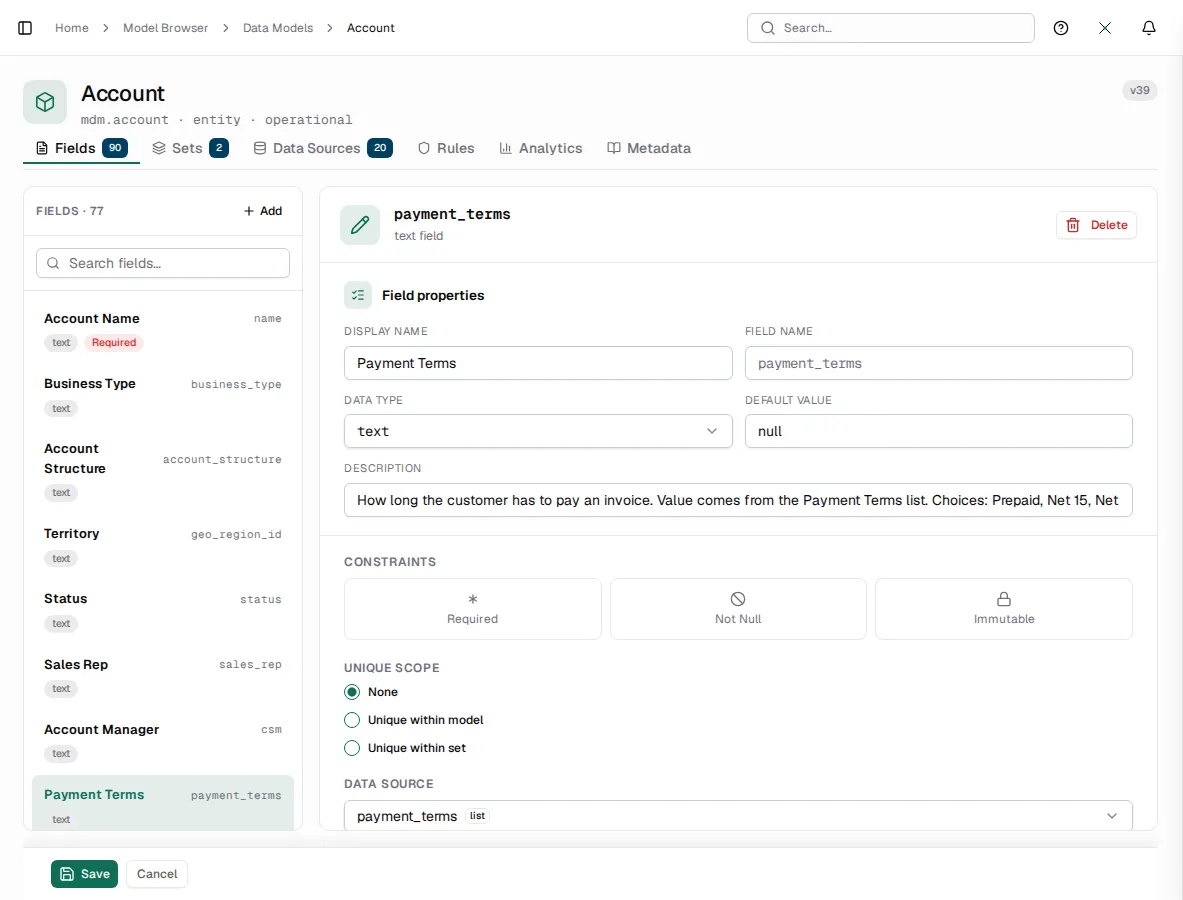
Shape fields and lookups to your business in the Studio's Model Browser and Lookups screens. An industry pack brings its own fields, screens, jobs and connectors on top.
Import
Load accounts, contacts, products and prices from Excel or CSV on the Import page. Fix bad cells in the grid, see rows that duplicate each other in the same file, and roll a whole batch back if it went wrong.
Connect
Turn on the connectors for your order channels on Settings › Connections; each connector asks for the settings it needs and refuses a blank required one.
See XL1 run your business.
A 30-minute demo on your own workflow, not a slideshow.