 XL1
Guide · Order desk and finance
How order holds work
Hold checks stop an order for a reason you set, and an exception tells a person what to clear before it ships.
The steps
Switch the checks on
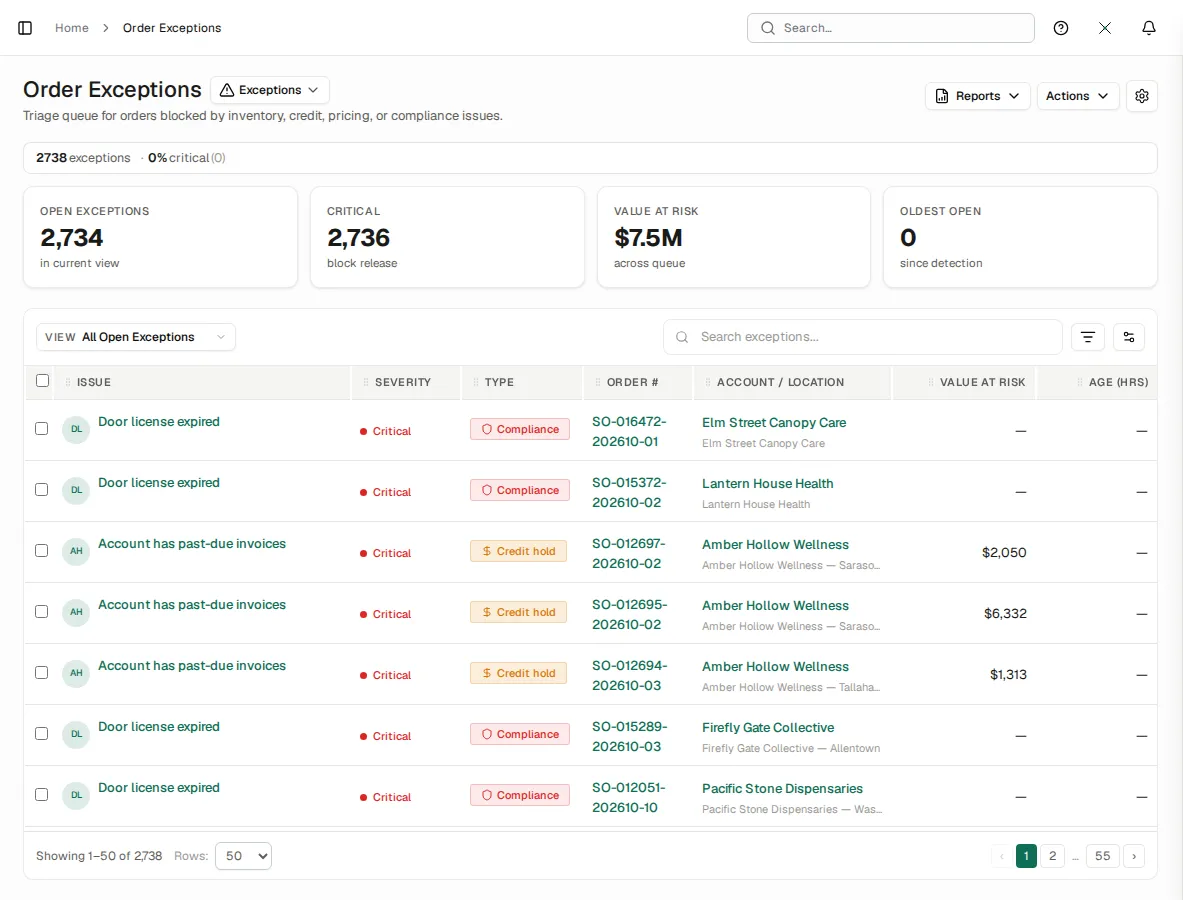
In the order configuration, turn on the checks you want: past due, over the account's credit limit and, with an industry pack, its own checks, such as a cannabis store whose licence has expired.
The order goes on hold
An order that fails a check goes On Hold with the check's reason, and one order exception opens per check.
A person clears it
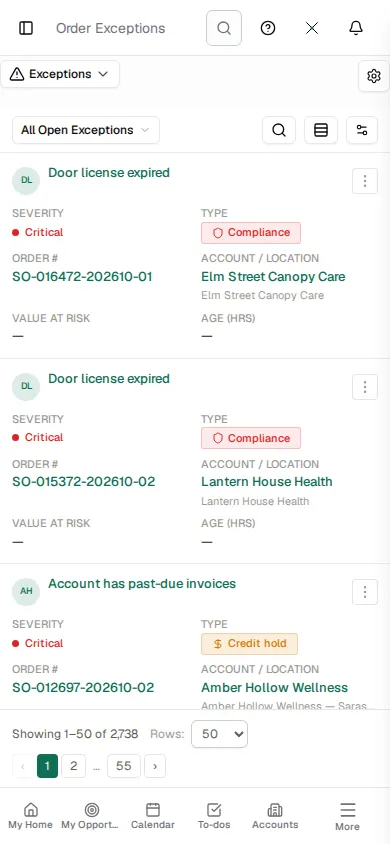
Order Exceptions lists every held order with its reason, severity and value at risk, so the right person clears it and the order moves on.
See XL1 run your business.
A 30-minute demo on your own workflow, not a slideshow.